What Exactly Are Custom GPTs, Gems, and Claude Projects?
You've probably asked ChatGPT, Gemini, or Claude the same question dozens of times. "Remember, I'm a developer." "Use this tone." "Here's context about my company."
It gets old fast.
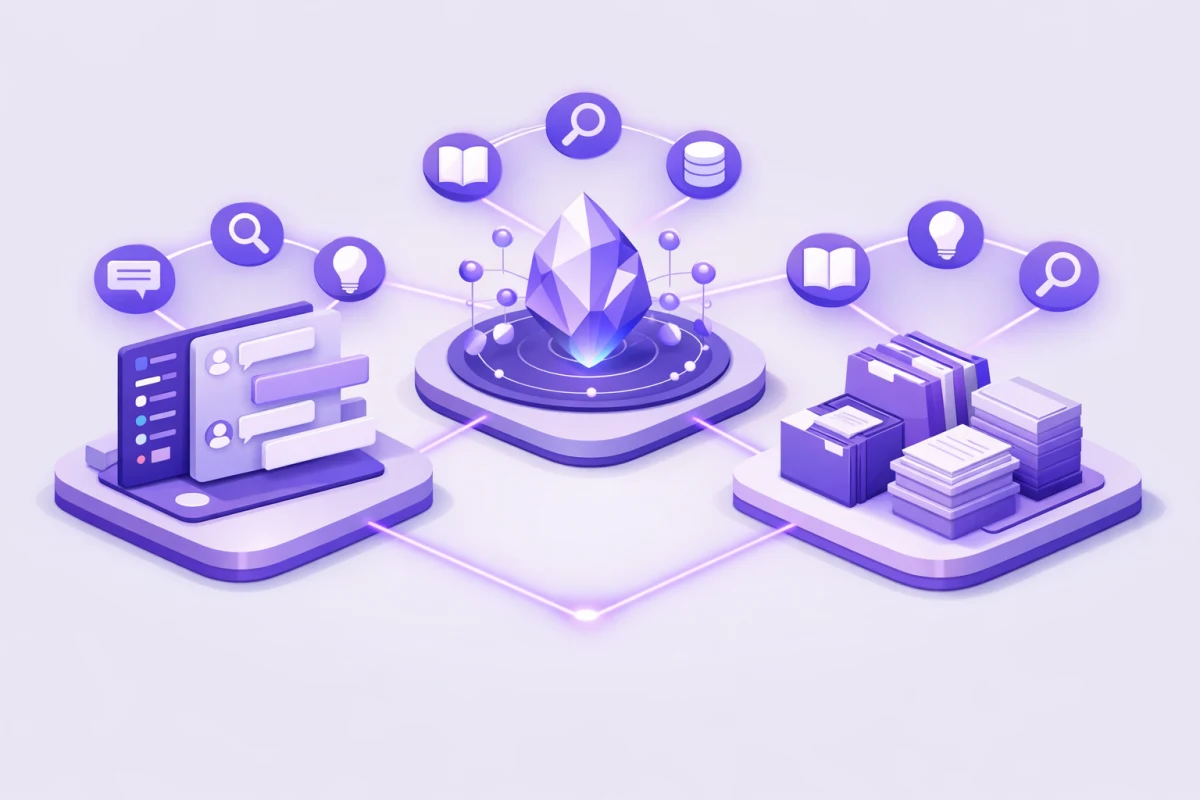
Custom GPTs, Google Gems, and Claude Projects solve this problem. They're ways to create your own personalized AI assistant that remembers who you are, follows your specific instructions, and draws from your own documents.
Think of them as AI assistants you can train without writing code. Upload your company's style guide, add instructions about how you like responses formatted, and suddenly you've got an AI that works exactly how you want it to.
The concept behind all three is the same: give the AI persistent context so you don't have to repeat yourself. But the implementations differ significantly across OpenAI, Google, and Anthropic's platforms.
Understanding large language models helps explain why this matters. Base LLMs treat every conversation as starting from scratch. Custom assistants layer your specific context on top, making responses more relevant to your actual needs.
Custom GPTs: OpenAI's Approach
OpenAI introduced custom GPTs in late 2023, and the feature has matured considerably since then. A custom GPT is essentially a specialized version of ChatGPT that follows your instructions every time you use it.
What You Can Configure
Instructions: This is where you define the GPT's personality, expertise, and behavior. You might write something like "You are a senior Python developer. Always explain your reasoning before showing code. Follow PEP 8 standards strictly."
Knowledge Files: Upload up to 20 files that your GPT can reference. These could be product documentation, company policies, research papers, or anything else you want the AI to know about.
Capabilities: Toggle features like web browsing, image generation with DALL-E, and code execution through the Code Interpreter.
Custom Actions: Connect your GPT to external APIs, letting it pull real-time data or trigger actions in other systems.
Building Your First Custom GPT
The process is straightforward:
- Open ChatGPT and navigate to "Explore GPTs"
- Click "Create a GPT"
- Use the conversational builder or switch to the Configure tab for direct control
- Add your instructions, upload knowledge files, and enable capabilities
- Test in the preview pane
- Save and optionally publish to the GPT Store
The GPT Store is where things get interesting. You can browse thousands of custom GPTs built by others, from specialized writing assistants to data analysis tools. Verified builders can even earn revenue based on usage.
Understanding the difference between system prompts vs user prompts is essential here. Your GPT's instructions function as a system prompt that shapes every response, while users interact through regular prompts.
When to Choose Custom GPTs
Custom GPTs shine when you need API integrations, want to share your creation publicly, or already use ChatGPT as your primary AI. The GPT Store ecosystem means you can discover useful assistants others have built rather than starting from scratch.
Google Gems: The Gemini Alternative
Google launched Gems in August 2024, bringing similar functionality to Gemini. But Gems have a few tricks that set them apart.
Unique Advantages
Live Google Drive Integration: This is the killer feature. Unlike Custom GPTs where uploaded files are static, Gems can connect directly to your Google Drive. When you update a Google Doc, your Gem sees that change immediately.
Massive Context Window: Gemini's 1 million token context window means you can feed it entire books, large codebases, or months of meeting notes. Other platforms struggle with documents this size.
Free to Create: While Custom GPTs require a ChatGPT Plus subscription to create, Gems are available to all Gemini Advanced users. Google's pricing structure makes this more accessible for many users.
Premade Gems: Google provides starter Gems like Brainstormer, Career Guide, Writing Editor, and Coding Partner. You can copy and modify these rather than starting from scratch.
Setting Up a Google Gem
- Go to gemini.google.com
- Click "Gems" in the left sidebar, then "Explore Gems"
- Select "New Gem"
- Name your Gem and write detailed instructions
- Add knowledge files (up to 10) from your device or Google Drive
- Preview and test your Gem
- Click Save
One helpful feature: the magic wand icon. Click it and Gemini will help expand and improve your instructions, essentially teaching you what good prompts look like.
The instructions you write for Gems follow the same prompt engineering fundamentals that apply to any AI interaction. Be specific about the role, provide examples of desired outputs, and define clear constraints.
When to Choose Gems
If your work lives in Google Workspace, Gems are the obvious choice. The seamless integration with Docs, Sheets, and Drive eliminates friction. They're also ideal for massive projects where you need that 1 million token context window.
Claude Projects: Anthropic's Workspace Model
Anthropic takes a slightly different approach with Claude Projects. Rather than creating standalone assistants, Projects are persistent workspaces where Claude maintains context across multiple conversations.
How Projects Work
Each Project contains:
Custom Instructions: Guidelines that Claude follows for every chat within that Project. These might specify tone, formatting preferences, or domain expertise.
Document Library: Upload files that Claude can reference. Unlike the other platforms, Claude is particularly strong at understanding and synthesizing long documents.
Conversation History: All chats within a Project are preserved and connected. Claude can reference earlier discussions without you needing to remind it.
Team Collaboration: On Claude's Team and Enterprise plans, Projects can be shared with colleagues, creating a shared AI workspace.
Creating a Claude Project
- Open Claude and find "Projects" in the left sidebar
- Click "Create Project"
- Choose a descriptive name (avoid generic labels like "Project 1")
- Write detailed custom instructions
- Upload relevant documents to the Project's knowledge base
- Start chatting
Claude's strength is handling large documents. If you're working with legal contracts, research papers, or technical documentation, Claude can process and reason about these more effectively than competitors.
Adding knowledge to your assistant is essentially a form of RAG (Retrieval Augmented Generation). The AI retrieves relevant information from your uploaded documents before generating responses, grounding its answers in your specific content.
When to Choose Claude Projects
Pick Claude Projects when you're working on long-term projects requiring deep document analysis. Writers, researchers, developers, and analysts often find Claude's approach better suited to sustained work. The Team collaboration features also make it strong for organizational use.
Key Differences: Choosing the Right Platform
Let's break down how these three compare across the factors that matter most.
Sharing and Distribution
Custom GPTs win here with the GPT Store. You can publish your GPT publicly, let it climb leaderboards, and potentially earn revenue. Anyone with ChatGPT can discover and use your creation.
Google Gems can be shared via link, similar to sharing a Google Doc. Recipients can use the Gem or make their own copy to modify.
Claude Projects have more limited sharing. On Team plans, you can share Projects with other team members, but there's no public marketplace.
Knowledge Base Size
- Google Gems: 10 files, but with live Google Drive sync
- Custom GPTs: 20 files, static uploads
- Claude Projects: Large document libraries supported
Integration Capabilities
Custom GPTs offer the most flexibility through Custom Actions. You can connect to virtually any API, enabling your GPT to check databases, trigger workflows, or pull real-time data.
Gems integrate deeply with Google Workspace but have limited external API connections.
Claude Projects focus on document analysis rather than external integrations, though Anthropic's new Skills feature is expanding capabilities.
When comparing major AI providers, these integration differences often determine which platform fits specific use cases.
Pricing to Create
- Google Gems: Included with Gemini Advanced
- Claude Projects: Free users can create up to 5 Projects; unlimited on Pro plans
- Custom GPTs: Requires ChatGPT Plus ($20/month) to create
Best Practices for Building Effective AI Assistants
Whether you choose GPTs, Gems, or Projects, certain principles apply across all platforms.
Write Specific Instructions
Vague instructions produce vague results. Instead of "be helpful," try:
"You are a senior content strategist. Write in a conversational tone using contractions. Keep paragraphs under three sentences. Always ask clarifying questions before providing recommendations."
The more specific you are, the more consistent your assistant's behavior.
Understanding how to configure LLM parameters properly helps here. Your instructions shape behavior, while parameters like temperature control creativity levels. Lower temperature settings produce more predictable outputs.
Curate Your Knowledge Base
Don't just dump every document you have. Select information that's directly relevant to the assistant's purpose. Organize files logically and remove outdated content.
Building an effective AI knowledge base requires ongoing maintenance. Set a schedule to review and update your uploaded documents.
Test Edge Cases
Before deploying your assistant, test unusual scenarios. What happens when someone asks something outside your intended scope? Does the assistant handle ambiguity gracefully?
Use Starter Prompts
All three platforms let you define conversation starters. These guide users toward your assistant's strengths and demonstrate how to interact effectively.
Common Mistakes to Avoid
Overloading Instructions
More isn't always better. Instructions that run thousands of words can confuse the AI. Prioritize the most important guidelines and be concise.
Ignoring Knowledge File Limits
Custom GPTs and Gems have file limits. Prioritize your most essential documents and consider combining related files.
Forgetting Maintenance
Your assistant's knowledge can become outdated. Schedule regular reviews to update documents and refine instructions based on how the assistant performs.
Treating Assistants Like Agents
There's an important distinction between AI assistants and agents. Assistants respond to your requests. Agents take autonomous action. Custom GPTs, Gems, and Projects are assistants. If you need autonomous task execution, you'll want to explore different types of AI agents instead.
When to Level Up: From Assistants to Something More
As your needs grow, you might outgrow simple custom assistants. Some signals you're ready for more:
Need for automation: If you want the AI to trigger actions automatically, you may need agent frameworks or no-code agent building tools.
Complex workflows: When tasks require multiple steps with conditional logic, consider prompt chaining or dedicated workflow tools.
Custom interfaces: For customer-facing applications, chatbot building platforms offer more control over the user experience.
Understanding where assistants, agents, and copilots differ helps you choose the right architecture for each project.
Ready to Build Your Own?
Custom GPTs, Google Gems, and Claude Projects have made it remarkably easy to create personalized AI assistants. No coding required. Just clear instructions and relevant knowledge.
The platform you choose depends on your ecosystem and specific needs:
- Google Workspace users: Start with Gems
- Need API integrations: Choose Custom GPTs
- Heavy document work: Go with Claude Projects
Each option can dramatically improve how you work with AI. Instead of explaining context every conversation, you'll have an assistant that already knows what you need.
Ready to find the right tools for your workflow? Browse our AI tools directory to explore platforms that help you build custom chatbots and intelligent assistants.
Understanding what prompt engineering means and how to control response length with max tokens will help you get even better results from whichever platform you choose.