What Are Batch API Requests and Why Should You Care?
If you're making thousands of LLM calls per month, you're probably burning money. Every synchronous API call to GPT-4o, Claude, or Gemini costs full price, hits rate limits, and keeps your application waiting for responses one at a time.
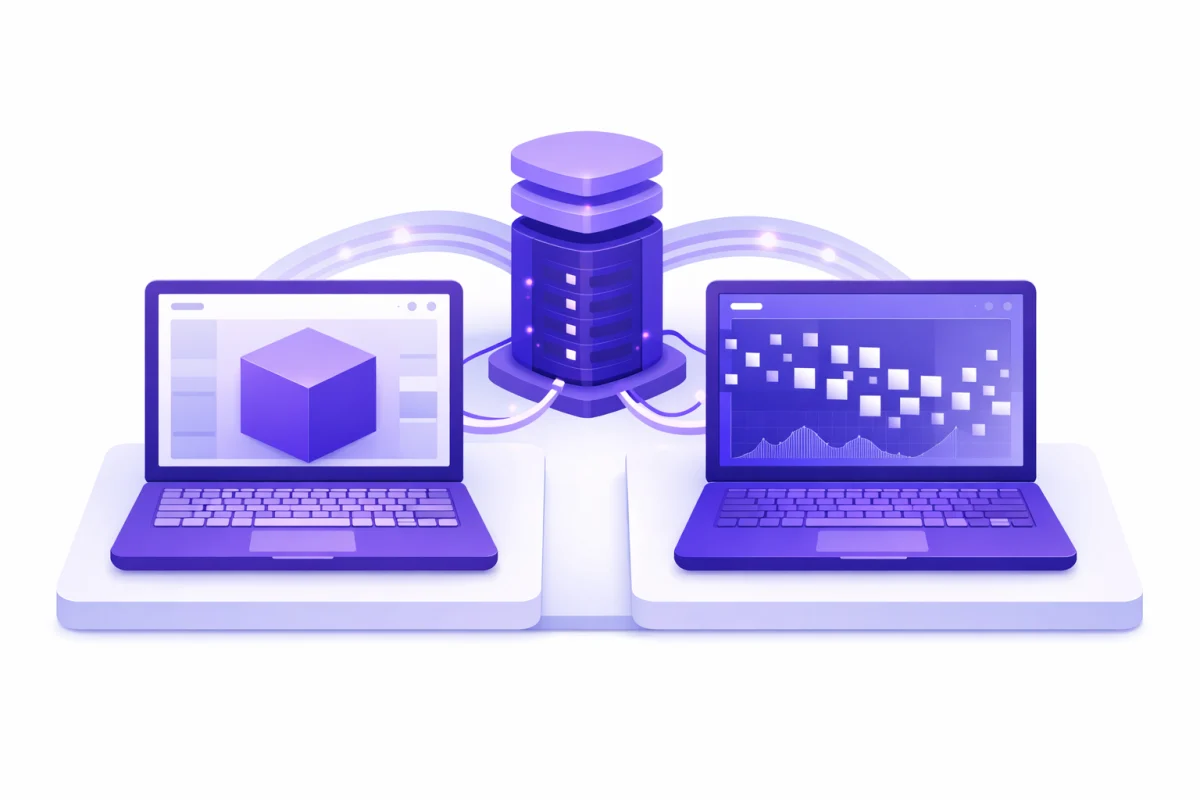
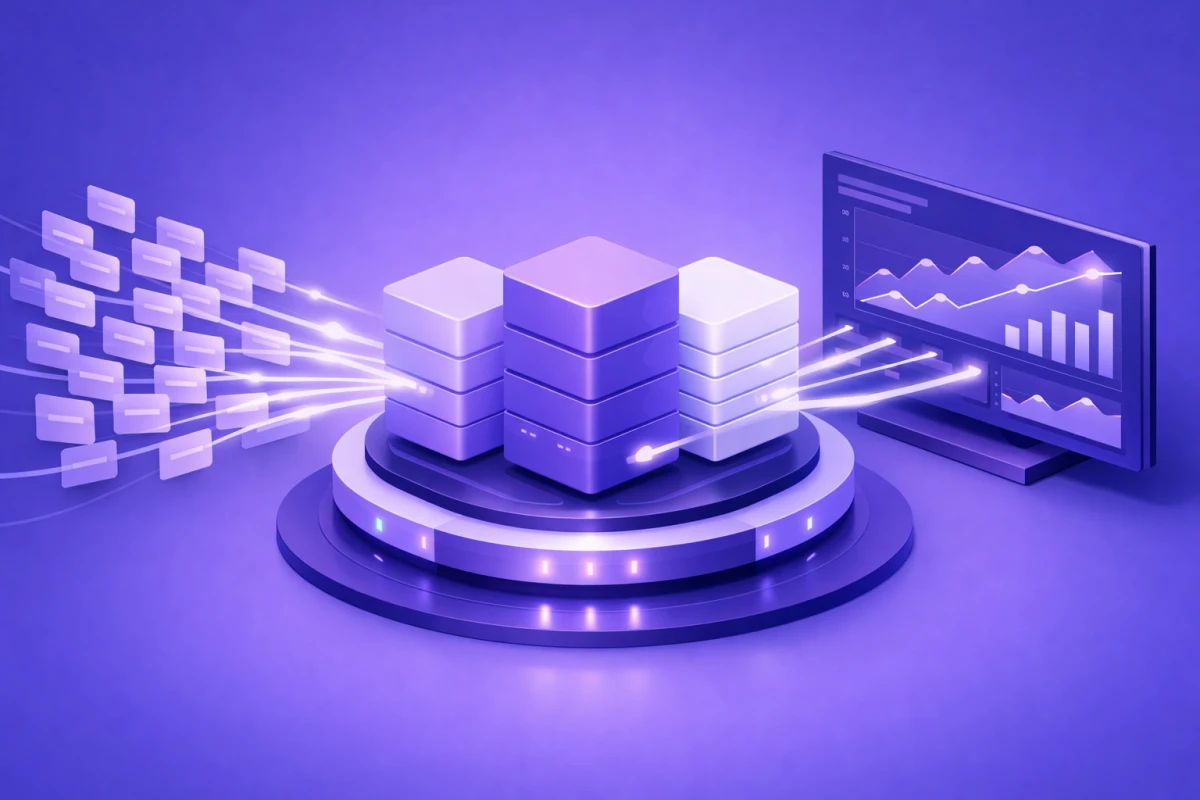
Batch API requests flip this model. Instead of sending requests individually and waiting for immediate responses, you bundle hundreds or thousands of prompts into a single job, submit it to the provider, and collect results within 24 hours. The tradeoff? You wait longer. The payoff? Half the cost and dramatically higher throughput.
OpenAI, Anthropic, and Google all now offer batch processing endpoints with identical 50% discounts. For teams spending $10,000 monthly on API calls, that's $5,000 back in your pocket with zero changes to prompt quality or output accuracy.
Before diving into implementation details, it helps to understand your LLM API configuration guide options, since batch requests use the same parameters as standard calls.
When Does LLM Batching Make Sense?
Batch processing isn't for everything. Real-time chatbots, live coding assistants, and interactive applications need immediate responses. But a surprising amount of LLM work happens behind the scenes where users aren't waiting.
Perfect candidates for batch processing AI include:
- Document classification and labeling: Categorizing support tickets, tagging content, or annotating training datasets
- Bulk content generation: Product descriptions, meta tags, summaries for large document sets
- Data extraction at scale: Parsing invoices, contracts, or forms into structured JSON
- Model evaluations: Running thousands of test cases for prompt engineering or fine-tuning assessment
- Language translation: Converting large content libraries between languages
- Sentiment analysis: Processing customer reviews, social media posts, or survey responses
First American, the title insurance company, uses batch inference to process over one million property documents daily. Scribd processed 400 billion tokens through batch pipelines for document metadata extraction. These aren't edge cases. They're how enterprises actually use LLMs at scale.
Skip batch processing when:
- Users are waiting for a response in real-time
- You need sub-second latency for interactive features
- The data is time-sensitive and becomes stale within 24 hours
- You're processing fewer than 100 requests (the overhead isn't worth it)
Understanding streaming vs batch responses helps clarify which approach fits your specific use case.
How Provider Batch APIs Work
All three major providers follow a similar pattern: you prepare a file of requests, upload it, create a batch job, poll for completion, and download results. The implementation details differ slightly, but the workflow remains consistent.
OpenAI Batch API
OpenAI launched their Batch API in April 2024, and it's now the most mature implementation. You prepare requests in JSONL format, upload the file, create a batch job, and retrieve results when processing completes.
Key specifications:
- Up to 50,000 requests per batch
- Maximum 100 MB file size
- 24-hour completion window (often faster)
- 50% discount on both input and output tokens
Pricing comparison (GPT-4o): Standard pricing is $2.50 per 1M input tokens and $10.00 per 1M output tokens. Batch pricing is $1.25 per 1M input tokens and $5.00 per 1M output tokens.
If you're making bulk AI requests with GPT-4o, batch processing cuts your bill in half with zero quality loss.
Anthropic Message Batches API
Anthropic's Message Batches API supports up to 10,000 queries per batch with the same 50% cost reduction. It works with Claude 3.5 Sonnet, Claude 3 Opus, Claude 3 Haiku, and the latest Claude 4 models.
Key specifications:
- Up to 10,000 requests per batch
- Maximum 256 MB total request size
- Results available for 29 days after creation
- Mix different request types within a single batch
A significant advantage: Anthropic processes each request independently, so one failure doesn't affect others. You can also combine different Claude models within the same batch, which helps when you need faster responses for simple tasks and more powerful models for complex ones.
Google Gemini Batch API
Google's Gemini Batch Mode, launched in July 2025, offers the same 50% discount with some additional capabilities. It supports file inputs up to 2GB and integrates with BigQuery for enterprise data workflows.
Key specifications:
- Up to 2GB JSONL input files
- Supports context caching within batch jobs
- Built-in Google Search grounding support
- BigQuery integration for input/output
For teams already using Google Cloud, Gemini Batch Mode integrates smoothly with existing infrastructure. The BigQuery support is particularly useful for data teams processing large analytical workloads.
Understanding managing response length limits becomes important when designing batch requests, since you're setting max_tokens upfront without real-time adjustment.
Step-by-Step Implementation Guide
Let's walk through a practical implementation using OpenAI's Batch API, since it's the most commonly used. The patterns translate directly to Anthropic and Google with minor syntax changes.
Step 1: Prepare Your Batch File
Create a JSONL file where each line contains a complete request. The custom_id field is critical. Results aren't guaranteed to return in order, so you'll use these IDs to match responses back to original requests.
Step 2: Upload and Create the Batch Job
Upload the file using the files.create endpoint with purpose set to "batch", then create the batch job with a 24-hour completion window.
Step 3: Monitor Progress
Batch jobs are asynchronous, so you need to poll for completion by checking the batch status periodically until processing completes or fails.
Step 4: Retrieve and Parse Results
Download the results file and parse the JSONL output, matching each result back to your original requests using the custom_id field.
For production systems, you'll want error handling, retry logic, and understanding of navigating API rate limits to manage batch submission frequency.
Parallel API Calls vs Batch Processing
Batch processing and parallel API calls solve different problems. Understanding when to use each optimizes both cost and performance.
Batch processing: 50% cost reduction, 24-hour completion window, no rate limit concerns during processing. Best for background tasks with flexible timing.
Parallel API calls (async): Standard pricing (no discount), near-real-time responses, must respect rate limits. Best for user-facing features needing quick turnaround.
Implementing Parallel API Calls
For workloads that need faster completion than batch processing allows, async programming lets you send multiple requests concurrently. This approach can reduce wall-clock time by 5x or more compared to sequential processing. If translating 8 documents takes 19 minutes sequentially, parallel execution finishes in under 4 minutes.
The semaphore limits concurrent requests to avoid hitting rate limits. Check your provider's documentation for specific limits, and consider implementing exponential backoff for 429 errors.
For complex workflows combining multiple processing stages, orchestrating multiple AI agents covers patterns for managing parallel execution at scale.
Optimizing API Costs Beyond Batching
Batch processing delivers the biggest single cost reduction, but it's just one lever. Combining multiple strategies can cut LLM costs by 70% to 90%.
Model Selection
Not every task needs GPT-4o or Claude Opus. Routing simple tasks to cheaper models dramatically reduces average cost per request. Simple classification tasks can use GPT-4o-mini or Claude Haiku at approximately $0.15 per 1M input tokens. General tasks use GPT-4o or Claude Sonnet at approximately $2.50 per 1M input tokens. Complex reasoning requires GPT-4 Turbo or Claude Opus at $10+ per 1M input tokens.
Some teams report 80% cost reductions by implementing intelligent routing that matches task complexity to model capability.
Prompt Optimization
Shorter prompts mean fewer tokens. Removing unnecessary context, instructions, or examples directly reduces costs. Cut prompt length by 30% and you cut input costs by 30%. Use structured output formats (JSON) to reduce verbose responses. Implement prompt templates that reuse common elements.
Caching Strategies
Both OpenAI and Anthropic offer prompt caching features. When system prompts exceed 1,024 tokens and repeat across requests, caching for faster responses reduces costs significantly.
Combining these approaches with comprehensive AI cost optimization strategies can transform API costs from a scaling bottleneck into a manageable line item.
Architecting for Production
Moving from prototype to production requires attention to error handling, monitoring, and workflow integration.
Error Handling Patterns
Batch jobs can fail partially. Individual requests might time out, hit token limits, or return malformed responses while the rest complete successfully. Parse every result, track failures, and implement retry mechanisms for failed requests in a new batch.
Monitoring and Observability
Track these metrics for batch processing: completion rate (percentage of requests that complete successfully), processing time (time from submission to completion), token usage (input and output tokens per batch), cost per request (total batch cost divided by successful completions), and error types (classification of failures for debugging).
Set alerts for completion rates dropping below 95% or processing times exceeding 12 hours.
Workflow Integration
Batch processing fits naturally into data pipelines and scheduled jobs: daily summarization processing yesterday's documents overnight, weekly reports generating analytics summaries every Monday morning, event-driven processing triggering batches when file uploads exceed thresholds, and ETL pipelines including LLM processing as a transformation step.
For teams building AI workflow automation, batch APIs integrate cleanly with orchestration tools like Airflow, Prefect, or Temporal.
Production deployments benefit from understanding balancing latency and throughput tradeoffs. Batch processing optimizes throughput. Real-time endpoints optimize latency. Most applications need both.
Real-World Cost Savings
Let's calculate actual savings for a realistic workload.
Scenario: Processing 100,000 customer support tickets monthly for classification and summarization.
Without batching (GPT-4o): Average tokens per ticket of 500 input and 200 output. Monthly input tokens of 50M. Monthly output tokens of 20M. Input cost of $125.00. Output cost of $200.00. Total: $325 per month.
With batching (GPT-4o): Same token counts. Input cost of $62.50. Output cost of $100.00. Total: $162.50 per month.
Annual savings: $1,950
For larger workloads, savings scale linearly. An enterprise processing 1 million requests monthly saves $19,500 annually from batch processing alone.
Factor in model routing, caching, and prompt optimization, and teams regularly achieve 70% to 80% cost reductions compared to naive implementations.
Businesses ready to explore AI tools for task automation often find batch processing enables use cases that were previously cost-prohibitive.
Common Pitfalls and How to Avoid Them
Pitfall 1: Ignoring the 24-Hour Window
Batch jobs can take up to 24 hours. If your workflow requires faster turnaround, batch processing isn't the right choice. Solution: Audit your workloads and identify which truly need real-time responses versus which have flexible timing.
Pitfall 2: Not Handling Partial Failures
A batch with 10,000 requests might complete with 9,950 successes and 50 failures. If you're not checking individual results, you'll have data gaps. Solution: Parse every result, track failures, and implement retry mechanisms.
Pitfall 3: Oversized Batches
Submitting millions of requests in a single batch creates debugging nightmares and long feedback loops. Solution: Break large datasets into batches of 1,000 to 10,000 requests for manageable monitoring and faster iteration.
Pitfall 4: Missing Custom IDs
Results don't return in order. Without unique custom_id values, you can't match responses to original requests. Solution: Always include meaningful, unique identifiers that link back to your source data.
For teams deploying inference endpoints at scale, batch processing often complements hosted inference rather than replacing it.
When to Use Which Approach
This decision framework helps select the right processing strategy:
- Chatbot responses: Use real-time API because users expect immediate replies
- Nightly report generation: Use batch API for no urgency and maximum savings
- Interactive coding assistant: Use real-time with caching because low latency is required but prompts repeat
- Dataset labeling: Use batch API for large volume with no user waiting
- API-based product features: Use real-time with async because it's user-facing but can parallelize
- Model evaluation: Use batch API because processing test suites doesn't need speed
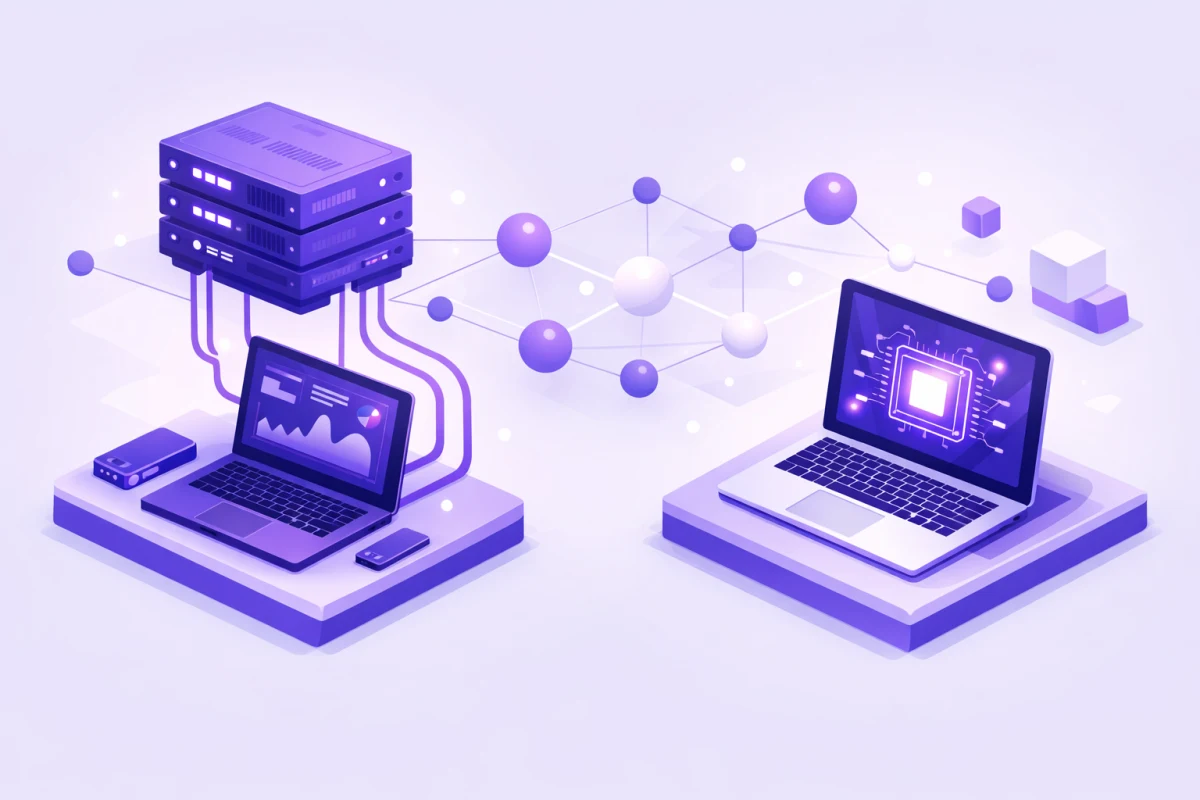
Most production systems use hybrid architectures: real-time APIs for interactive features and batch processing for background workloads.
Following production AI best practices means matching your processing strategy to actual latency requirements rather than defaulting to real-time for everything.
Getting Started Today
Batch processing delivers immediate cost savings with minimal code changes. Here's how to start:
- Audit your current API usage: Identify workloads that don't need real-time responses
- Start with a small pilot: Convert one background job to batch processing
- Measure the results: Compare costs, processing times, and output quality
- Expand gradually: Roll out to additional workloads as you build confidence
The 50% cost reduction from batch processing is guaranteed by the pricing model. You're not gambling on optimization. You're taking the discount that providers explicitly offer for flexible timing.
Ready to find more tools for your AI workflows? Browse our AI tools directory to explore options that fit your specific needs.