Introduction
If you've used ChatGPT or Claude, you've watched text appear word by word on screen. That fluid experience comes from a streaming API at work. But behind the scenes, developers face a practical decision: should they stream responses in real time, or wait for the complete output?
The difference affects everything from user experience to server architecture. Streaming delivers chunked responses as models generate tokens, creating immediate feedback. Non-streaming waits until the model finishes, then sends back a single payload. Both approaches have legitimate uses, and picking wrong can mean frustrated users or wasted engineering effort.
This guide breaks down exactly how streaming and non-streaming LLM responses work, when each makes sense, and how to implement both with code examples from major providers.
What Is Streaming in LLM APIs?
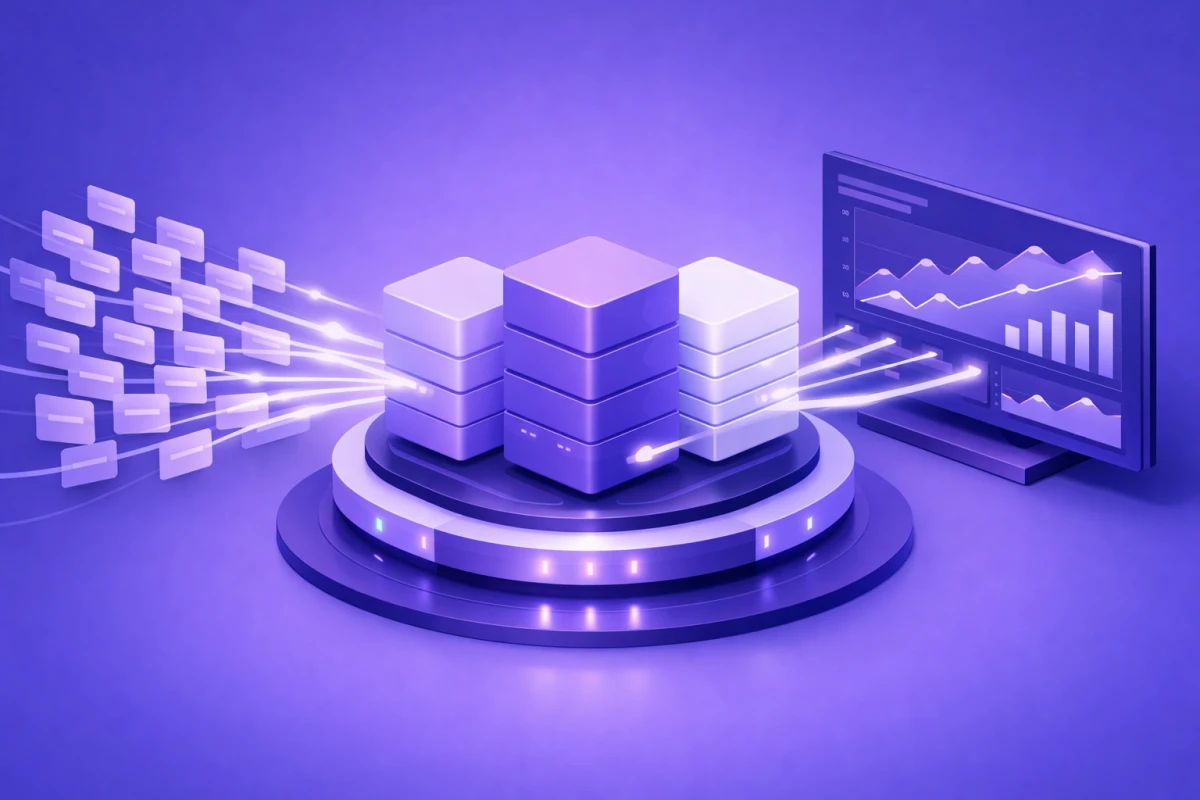
Streaming fundamentally changes how your application receives model output. Instead of one big response at the end, you get small pieces delivered continuously as generation happens.
How Streaming Works Under the Hood
Large language models generate text token by token. In a non-streaming call, the server buffers these tokens internally, waits for the stop condition, then packages everything into a JSON response. With streaming enabled, the server pushes each token (or small batch of tokens) to your client immediately.
Most streaming implementations use Server Sent Events (SSE), a lightweight protocol built on HTTP. When you set stream: true in your API request, the server responds with Content-Type: text/event-stream and keeps the connection open. Each chunk arrives as a data: line followed by JSON containing the new content.
Your client reads each line, extracts the content, and appends it to the display. The [DONE] message signals the stream has ended.
Why Streaming Feels Faster
The actual generation time stays the same whether you stream or not. The model still produces tokens at the same rate. But streaming changes perceived latency dramatically.
Consider a response that takes 8 seconds to generate fully. With non-streaming, users stare at a loading spinner for 8 seconds, then see everything at once. With streaming, they see the first word within 200 to 500 milliseconds, then watch the rest unfold. Same total time, completely different experience.
This matters because humans start processing information immediately. While the model generates the second half of a response, users can already read and understand the first half. The wait feels productive rather than empty.
What Is Non-Streaming in LLM APIs?
Non-streaming is the traditional request-response pattern. You send a prompt, the server processes it completely, and you receive a single response containing the entire output.
The Standard Request-Response Flow
A non-streaming call follows familiar HTTP conventions: the client sends a POST request with prompt and parameters, the server processes the request (potentially for several seconds), the server returns complete JSON response, and the client handles the finished output.
The response includes the full message content, plus metadata like token counts, finish reason, and model information. Everything arrives in one clean package.
When Non-Streaming Makes Sense
Non-streaming shines in scenarios where nobody watches the output in real time. Batch processing pipelines run thousands of prompts through models for tasks like document classification, sentiment analysis, or data extraction. Users don't sit watching each request. They submit jobs and check results later.
Background jobs like report generation, content summarization, or automated email drafting happen asynchronously. The application queues work, processes it, and delivers results through notifications or dashboards. Streaming adds complexity without user experience benefits.
Automated pipelines that chain multiple API calls benefit from non-streaming because they need complete responses before the next step. Streaming a response, buffering it, then passing to another function adds overhead versus waiting for the finished output.
Server Sent Events: The Protocol Behind Streaming
Server sent events AI implementations dominate the LLM streaming landscape. OpenAI, Anthropic, and Google all use SSE for their streaming endpoints. Understanding the protocol helps you build robust streaming clients and debug issues.
How SSE Differs from WebSockets
Both enable real-time communication, but they work differently. WebSockets create bidirectional channels where client and server exchange messages freely. SSE is unidirectional: the server pushes events to the client, and the client only sends the initial request.
For LLM streaming, SSE is the better fit. The interaction is inherently one-way: client sends prompt, server sends tokens back. WebSockets would be overkill and add complexity around connection management, heartbeats, and reconnection logic.
SSE also works through standard HTTP infrastructure. Proxies, load balancers, and CDNs handle it without special configuration. WebSockets require upgrades and dedicated handling at each layer.
SSE Message Format
Each SSE message follows a simple text format with lines starting with event: to specify the event type and lines starting with data: to contain the payload. Double newlines separate messages. Clients parse this text format and extract the content incrementally.
Anthropic's streaming includes event types like message_start, content_block_delta, and message_stop that help clients track the response lifecycle. OpenAI uses a simpler format with just data: lines and a [DONE] terminator.
Time to First Token and Other Key Metrics
Measuring streaming performance requires different metrics than traditional APIs. End-to-end latency still matters, but streaming introduces time-based metrics that capture the user experience more accurately.
Time to First Token (TTFT)
TTFT measures how long users wait before seeing any response. It's the interval from sending a request to receiving the first output token. For streaming applications, this is the most important latency metric.
A chatbot with 200ms TTFT feels snappy. Users see immediate acknowledgment that their message was received. A chatbot with 3 second TTFT feels sluggish, even if the total response time is the same.
TTFT depends on several factors including prompt length (longer prompts take more time to process in the prefill stage), system load (busy servers may queue requests), model size (larger models generally have higher TTFT), and infrastructure (geographic distance, network conditions, and cold starts all affect initial response time).
For interactive applications, target TTFT under 500ms. Code completion tools may need sub-100ms TTFT to feel responsive.
Inter-Token Latency (ITL)
ITL measures the gap between consecutive tokens after streaming starts. It reflects how fast tokens appear once the response begins flowing.
Average ITL of 30ms means roughly 33 tokens per second, which exceeds typical reading speed and feels smooth. ITL of 200ms creates noticeable pauses between words and feels choppy.
End-to-End Latency
Total time from request to final token still matters for overall throughput planning. You can estimate it as: E2E Latency = TTFT + (ITL × output_tokens). For batch processing and non-streaming scenarios, E2E latency is the primary metric since there's no incremental output to optimize.
Implementing Streaming with Major Providers
Each major LLM provider offers streaming through similar parameters but with slightly different response formats.
OpenAI Streaming
Enable streaming by adding stream: true to your request. The response arrives as SSE events with delta content. Each chunk contains a delta object with the new content. The choices[0].delta.content field holds the text to append. The final chunk has finish_reason set to indicate why generation stopped.
For production use, you'll also want to handle stream_options: {"include_usage": true} to get token counts in the final chunk.
Anthropic Claude Streaming
Claude uses similar SSE streaming with event types that provide more structure. The SDK provides helper methods like text_stream that simplify extracting content from events. Raw events include types like content_block_delta for text and message_stop for completion.
Claude also supports fine-grained tool streaming for function calling, letting you receive tool parameters as they're generated rather than waiting for complete JSON.
Google Gemini Streaming
Gemini's streaming returns larger chunks than other providers, so you may receive several tokens per event. The generate_content_stream method returns an iterator of response chunks. Each chunk's text property contains the new content.
Choosing Between Streaming and Non-Streaming
The decision comes down to who's waiting for the response and what they're doing while they wait.
Use Streaming When
Users watch the screen: Interactive chat interfaces, AI assistants, and co-pilot tools all benefit from streaming. Users see progress and can start processing information immediately. The typewriter effect also lets users interrupt generation if the response goes off-track.
Voice applications need to speak early: Text-to-speech pipelines can begin audio generation before the full response completes, reducing total response time for voice assistants.
Long outputs require progress feedback: Multi-paragraph responses or code generation feel faster with streaming because users see continuous progress rather than wondering if something broke.
You want to enable cancellation: Streaming lets users stop generation mid-response. Without streaming, you can cancel the request but the server may continue generating (and billing) until the response completes.
If you're building platforms for building AI chatbots, streaming is essentially mandatory for acceptable user experience.
Use Non-Streaming When
Batch processing at scale: Document summarization, data labeling, and content generation pipelines process thousands of requests without human oversight. Non-streaming simplifies logging, error handling, and retry logic. You can also use batch APIs from providers like OpenAI and Anthropic for 50% cost savings on large volumes.
Downstream processing needs complete output: If your pipeline parses JSON responses, runs validation, or chains to another service, complete responses are easier to work with than assembled streams.
Simplicity matters more than UX: Internal tools, prototypes, and low-traffic applications may not justify streaming infrastructure complexity.
To master LLM API parameters, understanding when streaming helps or hurts is foundational.
Performance Considerations
Streaming and non-streaming have similar computational costs at the model level, but infrastructure and implementation choices affect practical performance significantly.
Server-Side Implications
Streaming keeps connections open longer, which affects connection limits and resource allocation. A server handling 100 concurrent streaming requests ties up 100 connections for the duration of generation. Non-streaming requests complete faster and free connections sooner, potentially allowing higher throughput despite similar total processing time.
Reverse proxies and load balancers need configuration to avoid buffering streaming responses. Nginx, for example, requires X-Accel-Buffering: no headers to pass through chunks immediately.
When you think about latency vs throughput tradeoffs, streaming optimizes for latency at the cost of connection efficiency.
Client-Side Implications
Streaming requires more client-side logic. You need to handle incremental rendering and state updates, manage partial responses if connections drop, implement backpressure if processing can't keep up with incoming tokens, and handle cancellation and cleanup properly.
Non-streaming is simpler: one request, one response, standard error handling.
Cost Considerations
Token costs are identical for streaming and non-streaming. You pay the same per input and output token regardless of delivery method.
However, streaming's ability to cancel generation early can save costs. If a user stops a verbose response after 200 tokens instead of letting it run to 2000 tokens, you save on output token charges.
Batch APIs offer significant savings (typically 50% off) for non-streaming workloads that can tolerate 24-hour turnaround. Understanding API rate limits and throttling helps you plan capacity for either approach.
Handling Errors and Edge Cases
Both streaming and non-streaming require error handling, but streaming introduces unique failure modes.
Streaming Error Scenarios
Mid-stream failures: The connection can drop after partial content is delivered. Your client needs to detect this (the stream ends without a completion signal) and decide whether to show partial content, retry, or report an error.
Rate limiting: Some providers rate limit mid-stream, causing the connection to close with an error event. Implement exponential backoff with jitter for reconnection attempts.
Timeout handling: Long responses may exceed client-side timeouts. Configure appropriate timeout values and handle the scenario gracefully.
Non-Streaming Error Scenarios
Timeout before completion: Long prompts or complex outputs may exceed default timeout values. For models with extended thinking or long context, configure timeouts of several minutes.
Context length exceeded: If input plus expected output exceeds model limits, you'll get an error rather than a truncated response. Implement token counting to detect this before sending requests.
If you're deploying AI models to production, robust error handling for both modes is essential.
Best Practices for Implementation
Whether you choose streaming or non-streaming, these practices improve reliability and user experience.
For Streaming Applications
Show typing indicators immediately: Don't wait for the first token to indicate activity. As soon as the request sends, show that something is happening. This covers the TTFT gap and reassures users.
Buffer for smooth rendering: Consider buffering a few tokens before rendering to avoid single-character flicker. Rendering every 50 to 100ms creates smooth animation without noticeable delay.
Implement stop functionality: Let users cancel generation. This improves UX and can reduce costs on verbose responses.
Log structured events: Capture TTFT, total duration, token counts, and any errors for monitoring and optimization.
For Non-Streaming Applications
Set appropriate timeouts: Different models and prompts have vastly different generation times. Configure timeouts per use case rather than using a global default.
Implement retry logic: Transient failures happen. Retry with exponential backoff for 5xx errors and rate limits. Don't retry on 4xx errors (except 429).
Consider async patterns: Even without streaming, you can submit requests asynchronously and poll for results or use webhooks. This prevents blocking and improves resilience.
Using techniques to reduce latency with prompt caching benefits both streaming and non-streaming workflows.
Technical Architecture Patterns
Building production systems requires thoughtful architecture around your streaming or non-streaming choice.
Streaming Architecture
A typical streaming architecture includes an API gateway that supports long-lived connections and passes through SSE without buffering, a backend service that manages connections to LLM providers and transforms their stream format if needed, a client library that handles reconnection, parsing, and state management, and observability capturing TTFT, ITL, and completion metrics.
Non-Streaming Architecture
Non-streaming fits well with standard web architectures: a load balancer distributing requests across backend instances, backend workers processing requests synchronously or via job queues, result storage for async patterns where clients poll for results, and retry mechanisms handling transient failures.
For high-volume batch processing, consider dedicated inference endpoints for AI models that optimize for throughput over latency.
Hybrid Patterns
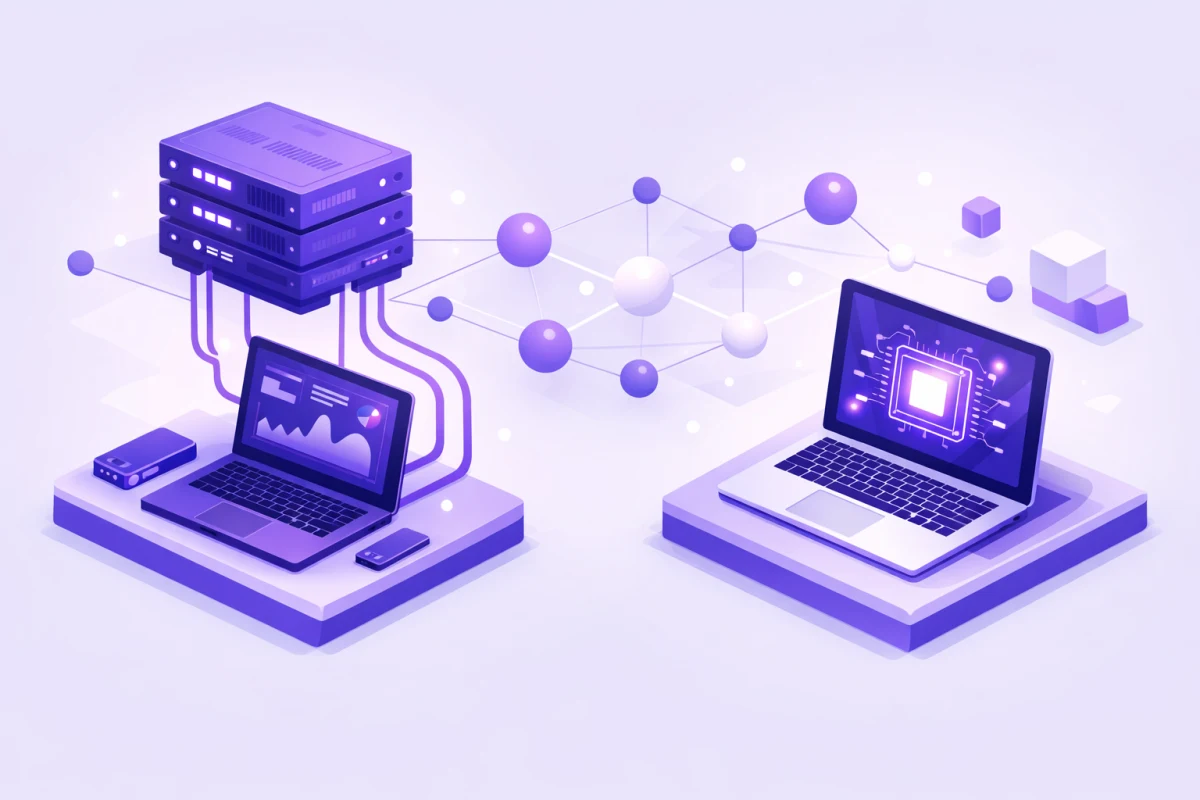
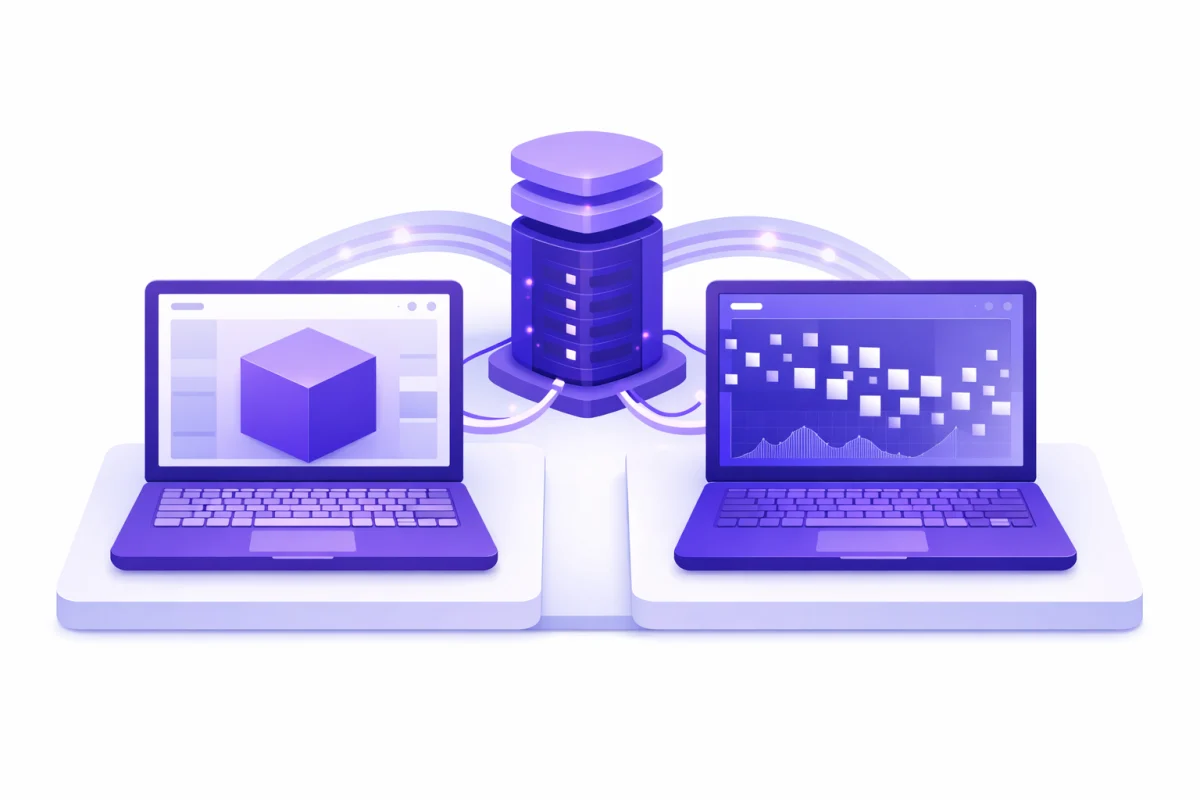
Some applications benefit from both modes. A document analysis tool might stream results when users view documents interactively, use non-streaming batch processing for bulk document import, and queue background summarization jobs with non-streaming calls.
Choosing API wrappers vs native implementations affects how easily you can support both patterns.
When to Combine Both Approaches
Real applications often need both streaming and non-streaming depending on context.
Context-Based Selection
A single application might use streaming for the main chat interface, non-streaming for generating titles, summaries, or metadata in the background, and batch API for nightly processing of accumulated data.
Design your abstraction layer to support both modes with consistent interfaces.
Progressive Enhancement
Start with non-streaming for simpler implementation. Add streaming once the core functionality works and you understand your performance requirements. This approach reduces initial complexity while leaving room for optimization.
Understanding the fundamentals of large language models helps you make informed decisions about when each approach provides value.
Conclusion
Streaming and non-streaming API responses serve different purposes, and choosing correctly shapes both user experience and system architecture.
Stream responses when users actively watch output. The immediate feedback transforms multi-second waits into engaging interactions. Use server sent events through the standard stream: true parameter supported by all major providers.
Use non-streaming for batch processing, background jobs, and pipelines where simplicity and reliability matter more than perceived speed. The simpler request-response pattern reduces complexity and works well with existing infrastructure.
Performance metrics differ between modes. Track time to first token for streaming applications, end-to-end latency for non-streaming. Both benefit from controlling creativity with temperature and setting response length with max tokens appropriately.
Ready to find the right AI tools for your project? Browse our directory to explore options that fit your streaming and non-streaming needs.