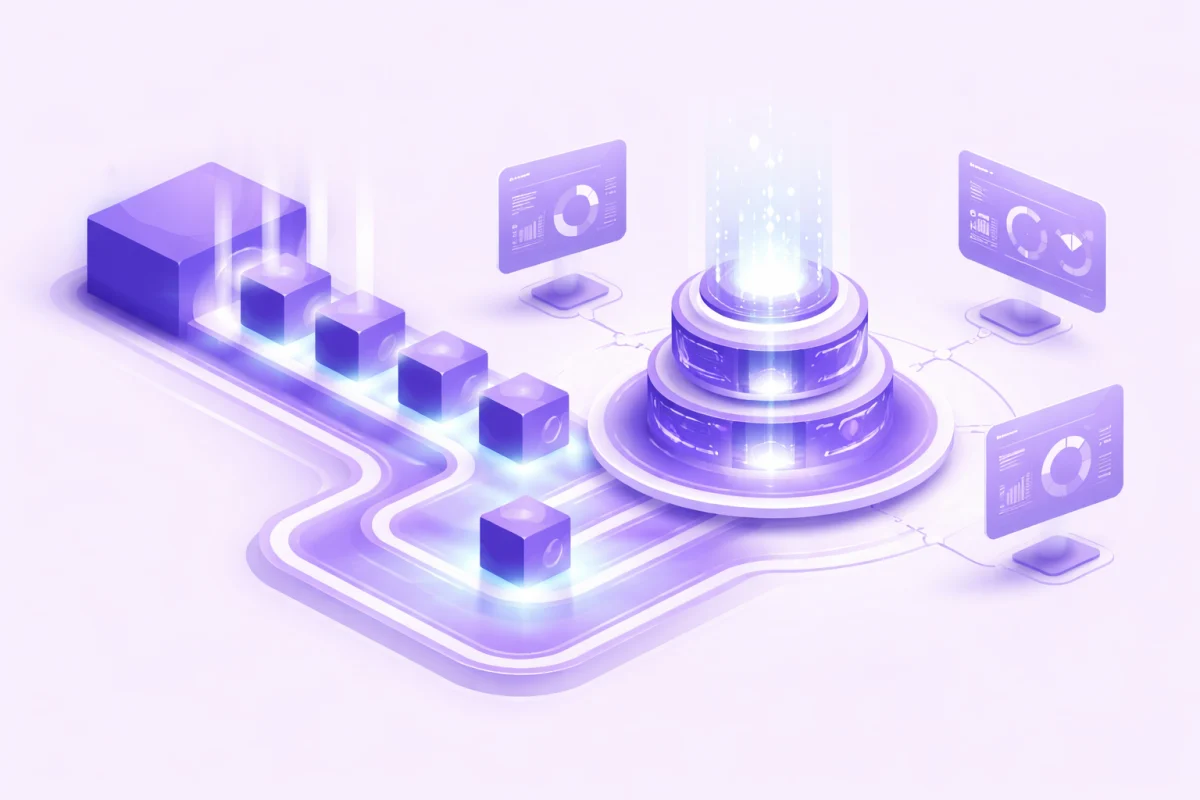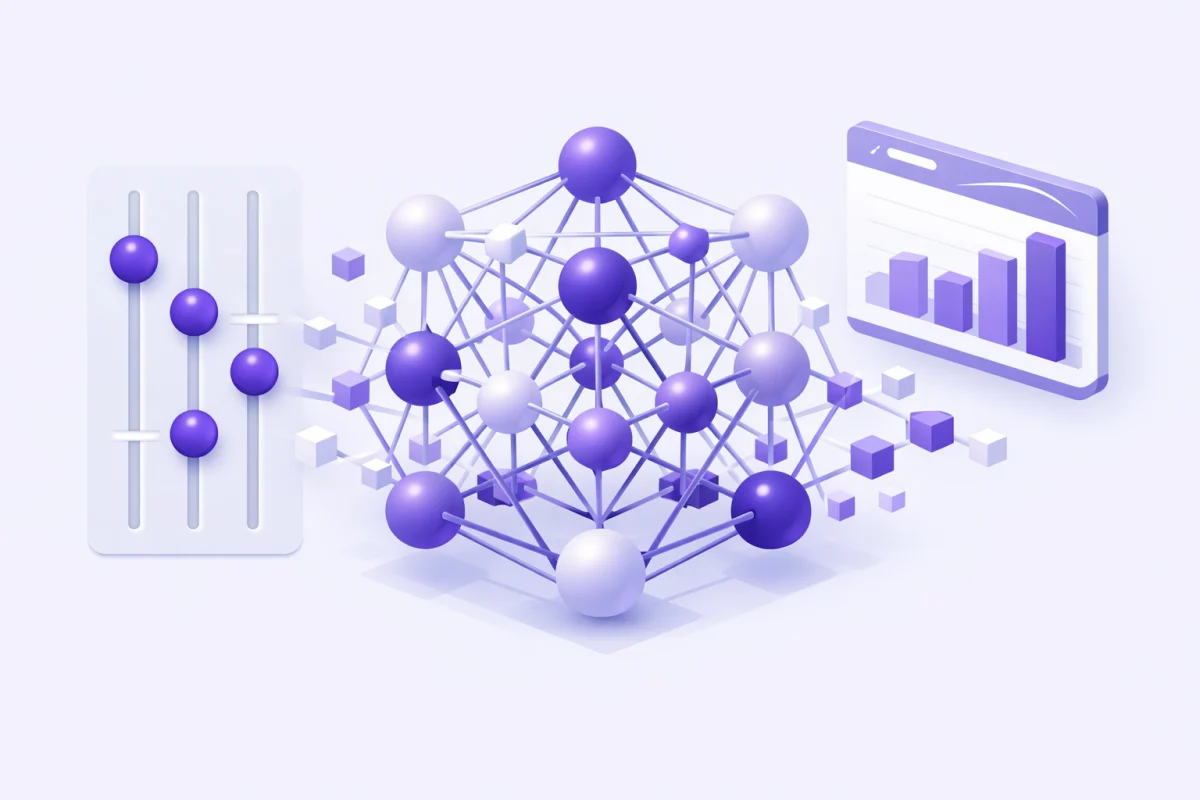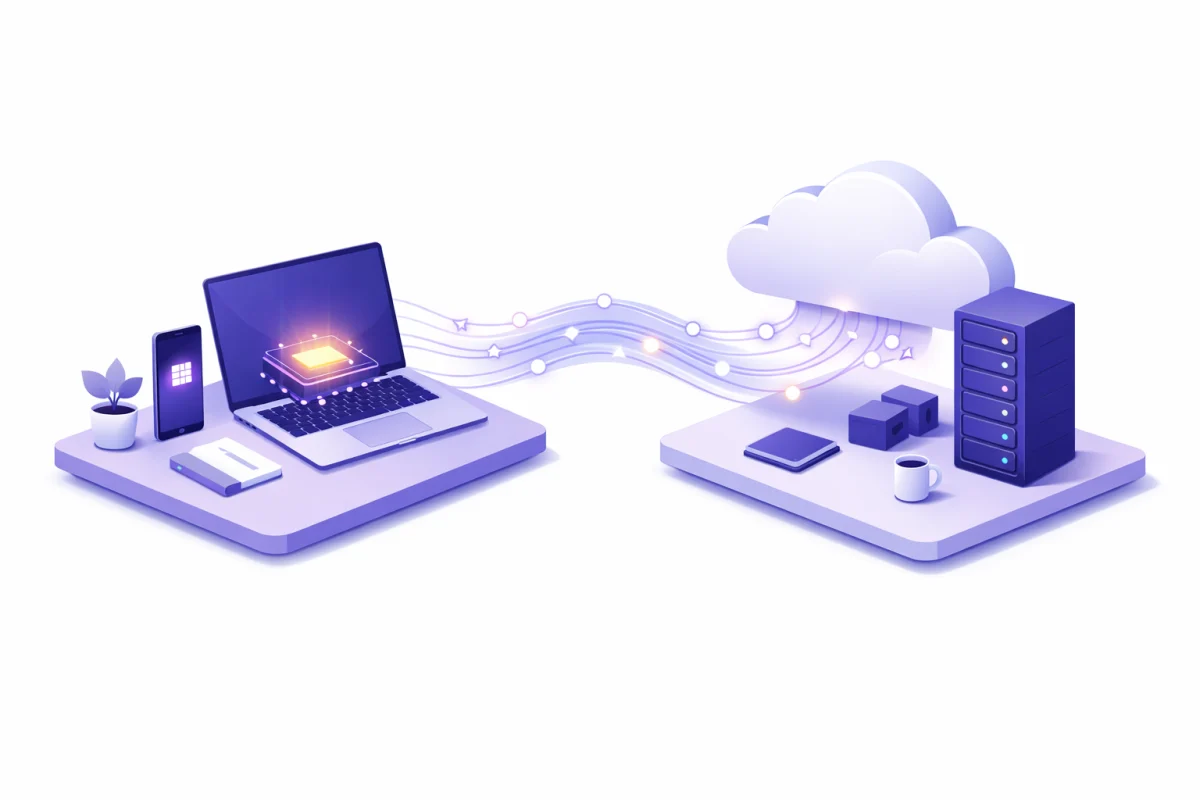
Your phone just transcribed a voice memo, edited out a stranger from your vacation photo, and translated a restaurant menu. None of that data left your device.
This is on-device AI in action. And it's fundamentally different from how AI worked just two years ago.
For most of AI's recent history, intelligence lived in the cloud. You'd send data to remote servers, wait for processing, and receive results. Simple. Effective. But increasingly problematic as privacy concerns mount and users demand instant responses.
Now we're watching a significant shift. Apple Intelligence processes requests on your iPhone. Samsung's Galaxy AI handles translations locally. Google's Pixel runs Gemini Nano without touching their servers. The edge AI vs cloud debate isn't theoretical anymore. It's happening in your pocket.
So which approach actually wins? When should you rely on local processing versus cloud computing? And does choosing one mean abandoning the other?
Let's break it down.
What Is On-Device AI?
On-device AI refers to artificial intelligence that runs entirely on local hardware. Your smartphone, laptop, wearable, or IoT sensor processes data right where it's generated, without sending information to external servers.
Think of it as the difference between doing math in your head versus calling a friend for the answer. One happens instantly and privately. The other requires waiting and sharing your question with someone else.
When you use Apple's Writing Tools to rewrite an email or Samsung's Circle to Search to identify an object, that processing happens on specialized chips inside your device. Neural Processing Units (NPUs) and dedicated AI accelerators have become standard in flagship phones from Apple, Samsung, Qualcomm, and Google.
For a deeper understanding of the models powering these features, check out our complete LLM guide. The core architecture remains similar whether running in a data center or on your phone, but significant optimization makes local deployment possible.
What Is Cloud AI?
Cloud AI processes data on remote servers operated by companies like Google, Amazon, Microsoft, or OpenAI. Your device sends requests over the internet, remote GPUs crunch the numbers, and results come back to you.
This approach powered the ChatGPT explosion and still handles most complex AI tasks today. Training GPT-4 required thousands of specialized chips working together. Running Claude or Gemini Pro at scale demands infrastructure that simply doesn't fit on consumer hardware.
Cloud AI shines when you need:
- Access to massive models with hundreds of billions of parameters
- Processing power that would drain a phone battery in minutes
- Collaboration features requiring centralized data
- Real-time access to current information through web search
The tradeoff? You're sending your data somewhere else. And you're waiting for it to come back.
Edge AI vs Cloud: The Core Differences
The local AI vs cloud comparison comes down to five factors that matter differently depending on your use case.
Speed and Latency
On-device AI wins decisively here. Local processing delivers responses in under 10 milliseconds. Cloud AI typically takes 200 to 500 milliseconds, accounting for data upload, processing, and download.
That difference seems trivial for writing assistance but becomes critical in other contexts. An autonomous vehicle traveling at 60 mph covers 88 feet during a one-second cloud round-trip. A surgeon using AI-assisted tools can't wait for server responses. Industrial robots need split-second decisions to avoid costly mistakes.
Samsung claims their on-device Live Translate processes speech locally for near-instant translation during phone calls. That wouldn't work with cloud-dependent AI.
Privacy and Data Security
This is where privacy AI local processing fundamentally changes the game.
When data never leaves your device, it can't be intercepted during transmission, stored on company servers, accessed by employees, or exposed in data breaches. Apple's on-device approach means your health data, financial information, and private messages stay on your iPhone.
For businesses operating under GDPR, HIPAA, or CCPA regulations, on-device processing often simplifies compliance automatically. There's no need to audit what happens to data on remote servers if that data never goes there.
Cloud AI providers have invested heavily in security, and reputable services use encryption and strict access controls. But the fundamental architecture involves trusting a third party with your information.
Computational Power
Cloud AI maintains a massive advantage in raw processing capability. Training advanced models requires GPU clusters costing hundreds of millions of dollars. Running inference on models with hundreds of billions of parameters demands memory and compute resources far beyond any consumer device.
On-device models are necessarily smaller. Apple's on-device foundation model uses around 3 billion parameters. That's capable but significantly less powerful than cloud models with 100 billion or more parameters.
Understanding the difference between training versus inference helps clarify this gap. Training creates the model through massive computation. Inference just runs the trained model. On-device AI handles inference well but can't do serious training locally.
Offline Functionality
Offline AI models work anywhere without internet connectivity. This matters for 2.6 billion people without reliable internet access. It matters on airplanes, in remote locations, in underground facilities, and during network outages.
Tesla's Autopilot functions largely offline using on-board processing. Medical diagnostic tools can analyze patient data in remote clinics without connectivity. Manufacturing robots make decisions independently of network status.
Cloud AI is fundamentally useless without an internet connection. Full stop.
Cost Structure
The cost comparison depends heavily on scale and use case.
Cloud AI typically bills per token, per query, or per compute hour. At scale, these costs add up quickly. A company processing 100 million daily inferences at $0.002 each spends $200,000 daily on AI alone.
On-device AI has high upfront costs (developing optimized models, ensuring device compatibility) but near-zero ongoing operational costs. After deployment, electricity is essentially the only expense.
For individual users, cloud AI services often offer free tiers or subscriptions. On-device AI is typically built into device pricing.
How On-Device LLMs Actually Work
Running large language models on smartphones seemed impossible three years ago. Now it's happening thanks to several key techniques.
Model Compression Through Quantization
Full-precision AI models use 32-bit floating point numbers for each parameter. A 3 billion parameter model at full precision requires 12 gigabytes of storage. That's too large for most phones.
Quantization for smaller models reduces precision to 8-bit or even 4-bit representations. That same 3 billion parameter model drops to 1.5 or 3 gigabytes. The accuracy loss is surprisingly small for many tasks.
Specialized Hardware
Modern phones include dedicated AI chips. Apple's Neural Engine handles 16-core AI processing. Qualcomm's Snapdragon platforms deliver over 10 TOPS (trillion operations per second) of on-device AI performance. Google's Tensor chips are built specifically for AI workloads.
These NPUs are remarkably power-efficient. Apple's Neural Engine achieves around 15 TOPS per watt, roughly 2.6 times more efficient than comparable cloud GPUs despite being far smaller.
Smaller, Specialized Models
Not every task needs GPT-4 scale intelligence. Small language models explained in detail shows how models with 1 to 7 billion parameters handle specific tasks excellently.
Microsoft's Phi-4 family delivers strong instruction-following in compact packages. Meta's Llama 3.2 includes 1B and 3B variants designed specifically for mobile deployment. These aren't dumbed-down versions of larger models. They're purpose-built for efficient on-device operation.
On-Device LLM Performance Today
Real-world testing shows mixed results. On a flagship phone with Snapdragon 8 Gen 2 or later, models like Llama 3-4B run at 8 to 10 tokens per second. That's usable for short interactions but noticeably slower than cloud AI.
Mid-range phones struggle more. Limited RAM and weaker processors restrict which models can run and how quickly they respond. A 2B parameter model might work on a mid-tier device, but don't expect speed.
Battery consumption remains a concern. Running local AI intensively can drain 30 to 50% of battery in under two hours during heavy testing. Power-saving modes help but reduce performance.
When to Choose On-Device AI
Local processing makes the most sense in specific scenarios.
Privacy-Sensitive Applications
Healthcare apps processing patient data benefit enormously from on-device AI. Diagnostic tools can analyze medical images, monitor vital signs, and detect abnormalities without transmitting sensitive information.
Financial applications handling account data, transaction analysis, or fraud detection keep sensitive information contained. Legal document processing maintains attorney-client privilege by never exposing documents to external servers.
Personal AI assistants that understand your habits, preferences, and routines become more appealing when that intimate data stays on your device.
Real-Time Decision Making
Autonomous vehicles can't afford cloud latency. Self-driving systems use on-board AI to process camera, lidar, and radar data for immediate navigation decisions. A fraction of a second delay could mean the difference between avoiding or hitting an obstacle.
Industrial robotics require similar responsiveness. Manufacturing equipment making thousands of decisions per minute needs local intelligence. One-second delays could cost thousands of dollars in production errors.
Gaming and AR/VR applications demand immediate responses. NPC behavior, physics calculations, and environment rendering happen locally because any perceivable delay breaks immersion.
Limited Connectivity Environments
Remote areas, underground facilities, aircraft, and regions with unreliable internet need AI that works offline. Agricultural applications monitoring crops in rural fields can't depend on cellular coverage. Disaster response tools must function when infrastructure fails.
Military and government applications often require air-gapped systems that never connect to external networks. On-device AI is the only option.
Cost-Conscious Deployments
Applications with extremely high query volumes can save substantially by processing locally. IoT deployments with thousands of sensors making continuous inferences would generate massive cloud bills. Local processing eliminates per-query costs entirely.
When to Choose Cloud AI
Cloud processing remains the better choice for different scenarios.
Complex, Resource-Intensive Tasks
Model training belongs in the cloud. Period. Creating and fine-tuning AI models requires computational resources that don't fit on personal devices. Even organizations with substantial on-premises hardware often use cloud resources for training workloads.
AI model provider options give developers access to the latest capabilities without building infrastructure. When you need GPT-4o, Claude Opus, or Gemini Ultra performance, cloud AI delivers.
Tasks Requiring Current Information
On-device models have knowledge cutoffs. They know what they knew when trained and nothing after. Cloud AI services can access real-time web search, current databases, and live information feeds.
For research, news analysis, market data, or any task requiring current information, cloud AI's connectivity advantage is decisive.
Collaboration and Centralized Analysis
Applications requiring data from multiple users, locations, or time periods benefit from cloud centralization. Population-level health insights need aggregated data. Business intelligence across an organization requires centralized processing.
Cloud platforms also simplify model updates. When a better model becomes available, cloud services can switch immediately. On-device models require coordinated deployment to millions of devices.
Global Scale and Elastic Resources
Cloud AI scales dynamically. Handling sudden traffic spikes, seasonal demand variations, or viral growth requires infrastructure that scales up and down. Building equivalent on-premises capacity would be prohibitively expensive and wasteful during low-demand periods.
The Hybrid Approach: Why Not Both?
The most sophisticated AI deployments combine both approaches strategically.
Train in Cloud, Deploy to Edge
This pattern maximizes both capability and efficiency. Complex models are trained using massive cloud GPU clusters, then optimized and deployed to edge devices for inference.
According to Gartner research, over 70% of enterprises will deploy hybrid architectures by 2026. The pattern makes sense: use expensive cloud resources for the occasional training process, then run efficient inference locally at scale.
Understanding AI inference in production clarifies why this split works. Inference is far less computationally intensive than training, making local deployment practical even for sophisticated models.
Smart Routing Based on Task
Some hybrid systems route requests based on complexity. Simple tasks (text summarization, basic image edits, voice commands) run locally. Complex requests (detailed reasoning, creative generation, research tasks) go to the cloud.
Apple Intelligence uses this approach. Most Writing Tools features run on-device. But when you invoke ChatGPT integration for more demanding tasks, the request goes to OpenAI's servers with your explicit permission.
Edge Processing with Cloud Enhancement
Edge devices can preprocess and filter data before sending relevant summaries to the cloud. A security camera might use on-device AI to detect motion and identify objects, only uploading clips when something significant happens.
This reduces bandwidth costs, improves privacy, and keeps cloud resources focused on high-value analysis rather than sifting through raw data.
Open Weights Model Options for Flexibility
Organizations increasingly use open weights models that can deploy anywhere. Models like Llama, Mistral, and Gemma run on cloud servers, on-premises hardware, or edge devices depending on the use case.
This flexibility lets organizations optimize deployment based on latency requirements, privacy needs, and cost constraints rather than being locked into a single provider's infrastructure.
Real-World Examples: On-Device AI in 2026
Apple Intelligence
Apple's approach prioritizes privacy through on-device processing. A 3 billion parameter model handles most tasks locally, including Writing Tools, notification summarization, and image generation in Image Playground.
For tasks beyond on-device capability, Apple routes requests to their Private Cloud Compute infrastructure, which uses custom Apple silicon and publishes its software for security researchers to verify privacy claims. ChatGPT integration is available but requires explicit user permission for each request.
Samsung Galaxy AI
Samsung blends on-device and cloud processing. Live Translate works offline for phone call translation. Photo editing features like Generative Edit use cloud processing for more complex manipulations.
Samsung has been notably transparent about which features run locally versus in the cloud, adding a toggle letting users disable cloud-dependent features entirely.
Google Pixel with Gemini Nano
Google's approach uses Gemini Nano for on-device tasks like call screening, smart reply suggestions, and real-time translation. More complex requests escalate to Gemini Pro in the cloud.
The Pixel 9 series added features like Add Me (combining two photos so the photographer can appear in group shots) using on-device processing.
Microsoft Copilot+ PCs
Microsoft's AI PC initiative includes dedicated NPUs for local AI processing. Features like Live Captions, Studio Effects for video calls, and Recall (when enabled) run on-device using the Windows Copilot Runtime.
This represents a broader industry trend: Deloitte projected that nearly half of PCs sold in 2025 would include local AI processing capabilities, with growth continuing into 2026.
Challenges and Limitations
On-Device Constraints
Hardware requirements limit who can benefit. Only recent flagship devices have powerful enough NPUs. Older phones and budget devices lack necessary processing capability.
Model capability remains limited compared to cloud AI. On-device models handle specific tasks well but can't match the broad capabilities of GPT-4 or Claude Sonnet.
Updates are complicated. Improving on-device models requires deploying new versions to millions of devices rather than simply updating server-side code.
Storage pressure from large models affects device usability. A 2GB model consumes significant space on phones already full of photos and apps.
Cloud Limitations
Privacy concerns persist regardless of security measures. Some data simply shouldn't leave user devices or organizational networks.
Latency creates poor user experiences for time-sensitive tasks and makes certain applications impossible.
Ongoing costs accumulate significantly at scale. Per-query pricing models can generate surprising bills.
Dependence on connectivity excludes users in areas with poor infrastructure and creates single points of failure.
What's Next: Trends Through 2026 and Beyond
More Powerful Edge Hardware
NPU performance continues improving dramatically. Apple's A19 chip, Qualcomm's next-generation Snapdragon, and dedicated AI accelerators from companies like Hailo and Syntiant push the boundaries of on-device capability.
By late 2026, flagship phones may handle models with 7 to 10 billion parameters comfortably, significantly closing the gap with cloud AI.
Better Compression Techniques
Research into quantization, pruning, and distillation continues making models smaller without proportional accuracy loss. Models that required 16GB in 2024 might run comfortably in 4GB by 2026.
Federated Learning Goes Mainstream
Training models across devices without centralizing data is becoming practical. Your phone contributes to model improvement while keeping personal data local. This hybrid approach gets cloud AI benefits with on-device privacy.
Industry-Specific Solutions
Expect more purpose-built on-device models for healthcare, finance, manufacturing, and other sectors with specific regulatory or performance requirements. Generic models give way to specialized solutions optimized for particular workflows.
Conclusion
The on-device AI vs cloud AI question doesn't have a single answer. Both approaches serve different needs, and the smartest strategy usually combines them.
On-device AI delivers privacy, speed, and offline capability that cloud AI simply cannot match. For sensitive data, real-time decisions, and environments without reliable connectivity, local processing wins.
Cloud AI provides computational power, access to current information, and capabilities that won't fit on consumer hardware anytime soon. For complex reasoning, research tasks, and cutting-edge features, cloud services remain essential.
The industry is clearly moving toward hybrid architectures. Train models in the cloud. Deploy them to edge devices. Route tasks intelligently based on requirements. Use the right tool for each job rather than forcing everything through a single approach.
As on-device hardware improves and model compression techniques advance, more AI capabilities will shift to local processing. But cloud AI isn't going anywhere. The future isn't edge versus cloud. It's edge and cloud working together.
What matters is understanding the tradeoffs and making intentional choices about where your AI runs and why.